From bean to tree
Bean, germination, seedling, sapling, young tree, and mature tree. Choose a speed and starting stage; progress saves locally.
CocoaCraft · Windows desktop prototype
Meet My Cocoa Tree. Watch one cacao bean grow through six photographic stages, discover the story behind chocolate, and give your desktop a touch of the tropics.
Download for Windows · v0.8Windows 10/11 · .NET Framework 4.8 · 31 MB ZIP · No account required
Early prototype. The executable is unsigned; Windows may display a publisher warning.
Bean, germination, seedling, sapling, young tree, and mature tree. Choose a speed and starting stage; progress saves locally.
Stage information icons explain each part of the journey. Mature cacao pods open more field notes.
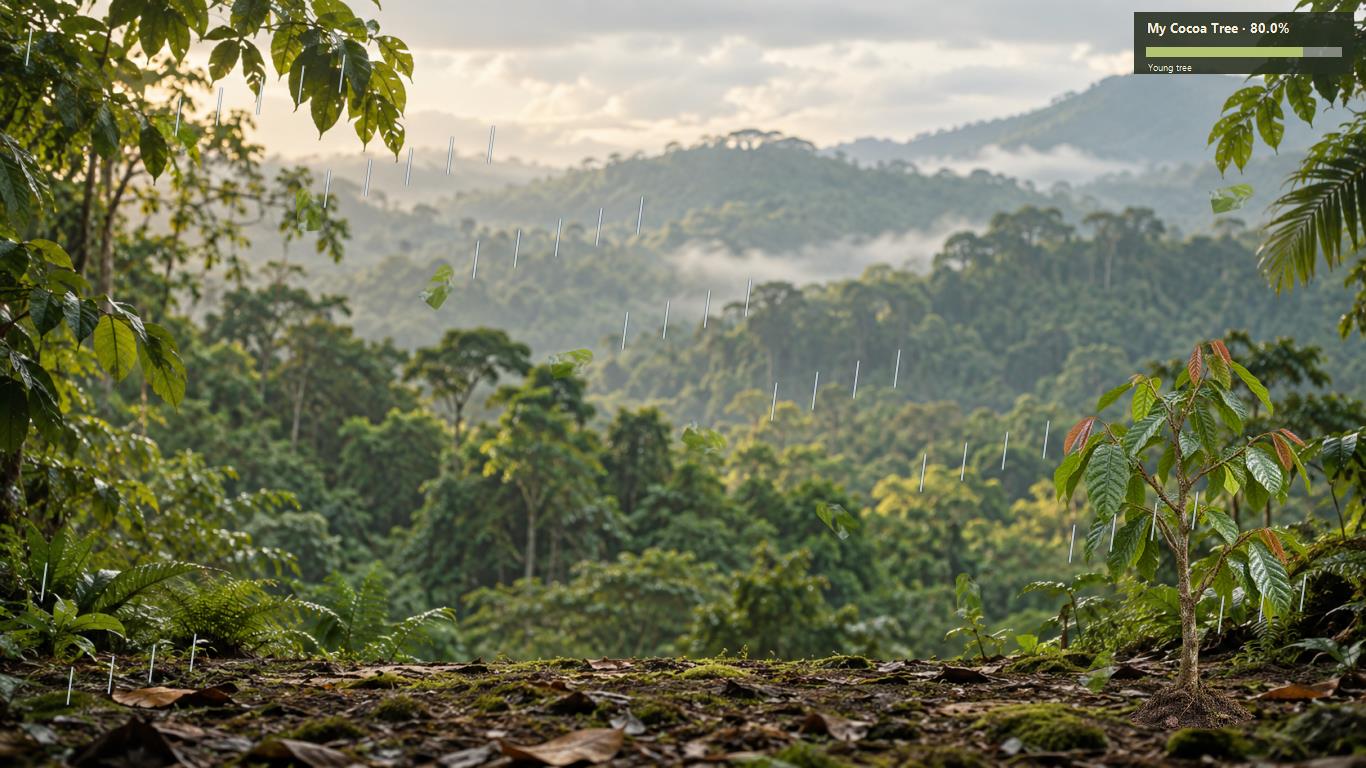
Choose a screen edge, three optional backgrounds, falling leaves, and rain. The tree stays behind open windows.
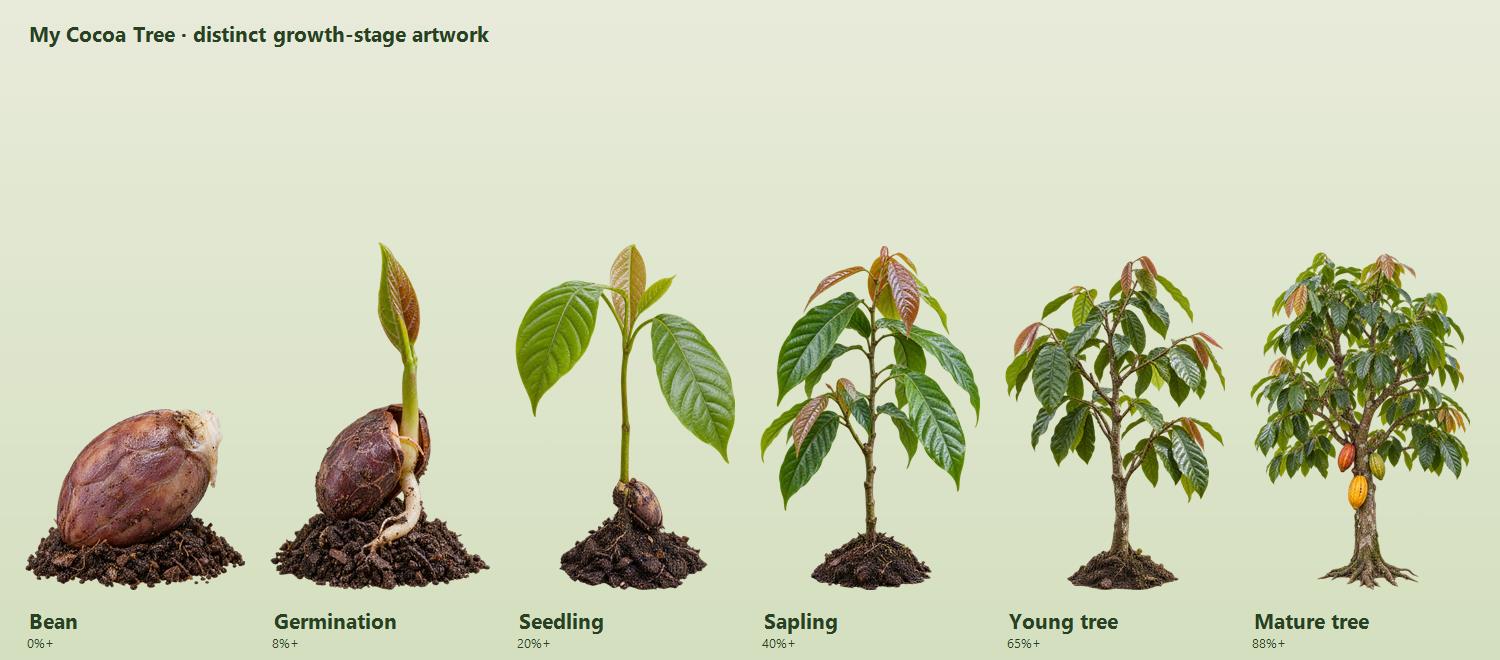
Growth is an illustrative, compressed timeline. Weather is clearly labeled simulated; there is no live weather feed.
To stop: press Ctrl+Alt+Q or choose Quit & save from the cocoa tray icon. Closing the controls also quits. Hide controls keeps it running.
This page always offers our latest release. The app’s Downloads & updates link brings you here. Quit the old version, extract the new ZIP into a new folder, and launch it. Saved growth and settings carry over. Updates are manual.
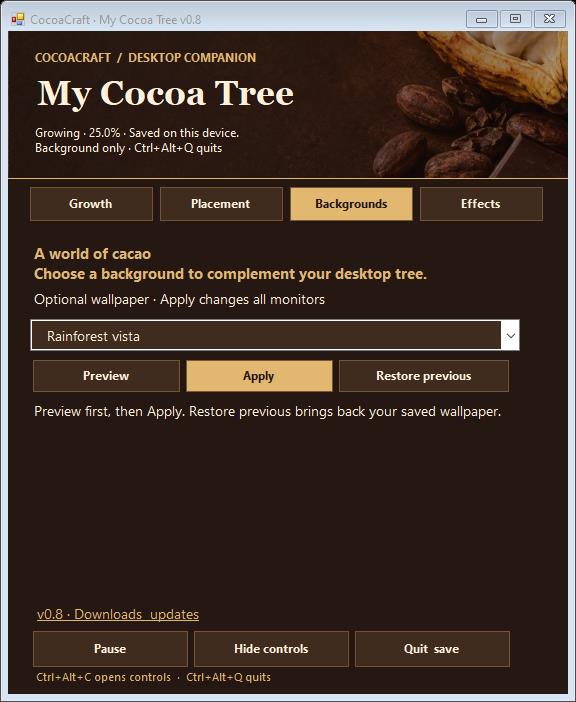
v0.8: cocoa-themed controls with a photographic header, chocolate tones, gold accents, and separate Growth, Placement, Backgrounds, and Effects sections. Pause, Hide, Quit, and updates stay easy to reach.
The tree stores settings on this PC. It does not connect to CocoaCraft accounts, Shopify, or Supabase. Background changes are optional. Desktop behavior and performance may vary with Windows, display scaling, and Explorer configuration.